1
🏢
Confirm tenant
Check your company profile, logo, timezone, and defaults.

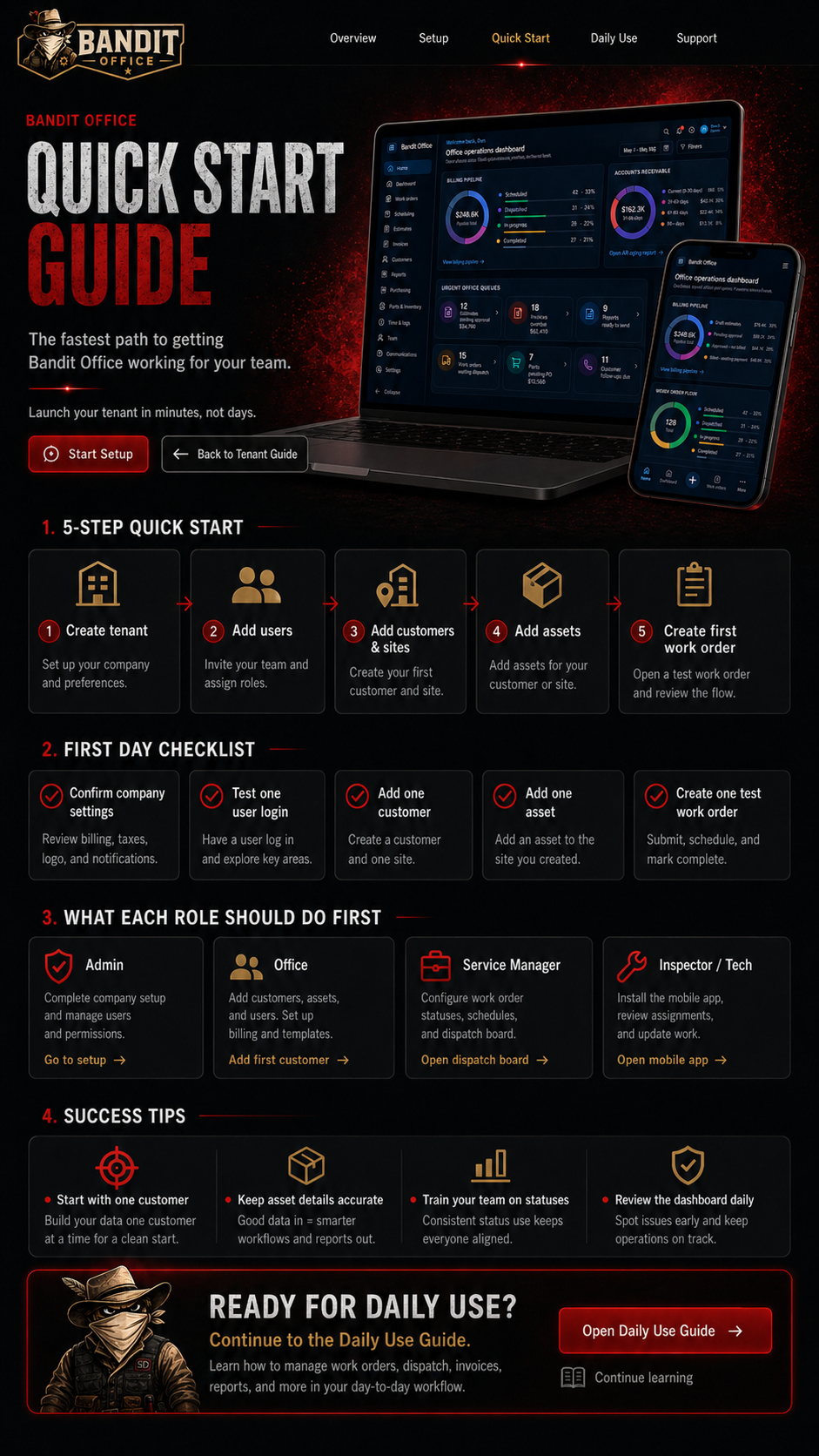
Use this path when you want your tenant working quickly with a simple test workflow.
Launch with one customer, one site, one asset, one work order, and one field update.
Check your company profile, logo, timezone, and defaults.
Invite your team and assign practical roles.
Create one customer and one service location.
Add one asset or piece of equipment with a photo.
Create, assign, update, and complete one test job.
Finish tenant setup, invite users, and confirm permissions.
Review setup →Add customers, sites, and basic work order information.
Open workflow →Review scheduling, assignments, and work order statuses.
Review daily flow →Install mobile access, open assigned work, and test notes/photos.
Field guide →Once the test workflow works, your team is ready to use Bandit Office for real jobs.