1
👥
Customers & Sites
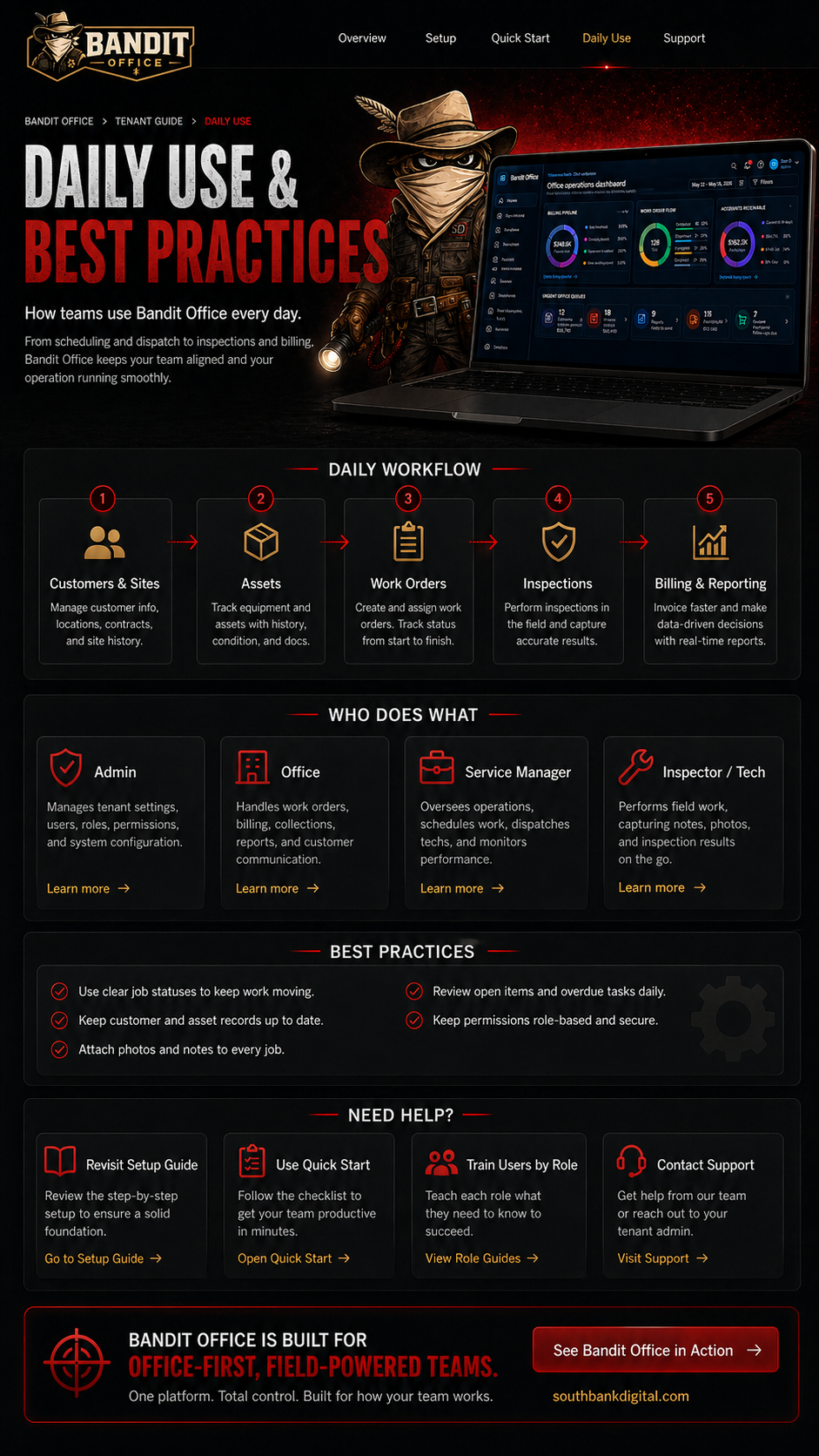
Keep contact info, addresses, and site notes current.

Use Bandit Office every day to keep your customers, work orders, inspections, billing, and reports moving.
This page is the normal operating rhythm for your office and field teams.
Keep contact info, addresses, and site notes current.
Keep equipment details, photos, condition, and history accurate.
Create, assign, schedule, update, and close work.
Capture line results, notes, photos, and deficiencies.
Review completed work, invoices, and reports.
Maintains tenant settings, users, roles, and system configuration.
Creates work orders, schedules, invoices, reports, and customer communication.
Assigns work, monitors progress, reviews schedule, and keeps jobs moving.
Completes assigned work, inspection items, notes, photos, and field updates.
Start each day by reviewing open work, overdue items, reports, and billing follow-up.