🏢
Customers, locations & contacts
Keep the customer record, service address, decision-maker, and site history grounded in one place before the work starts.
More than inspections
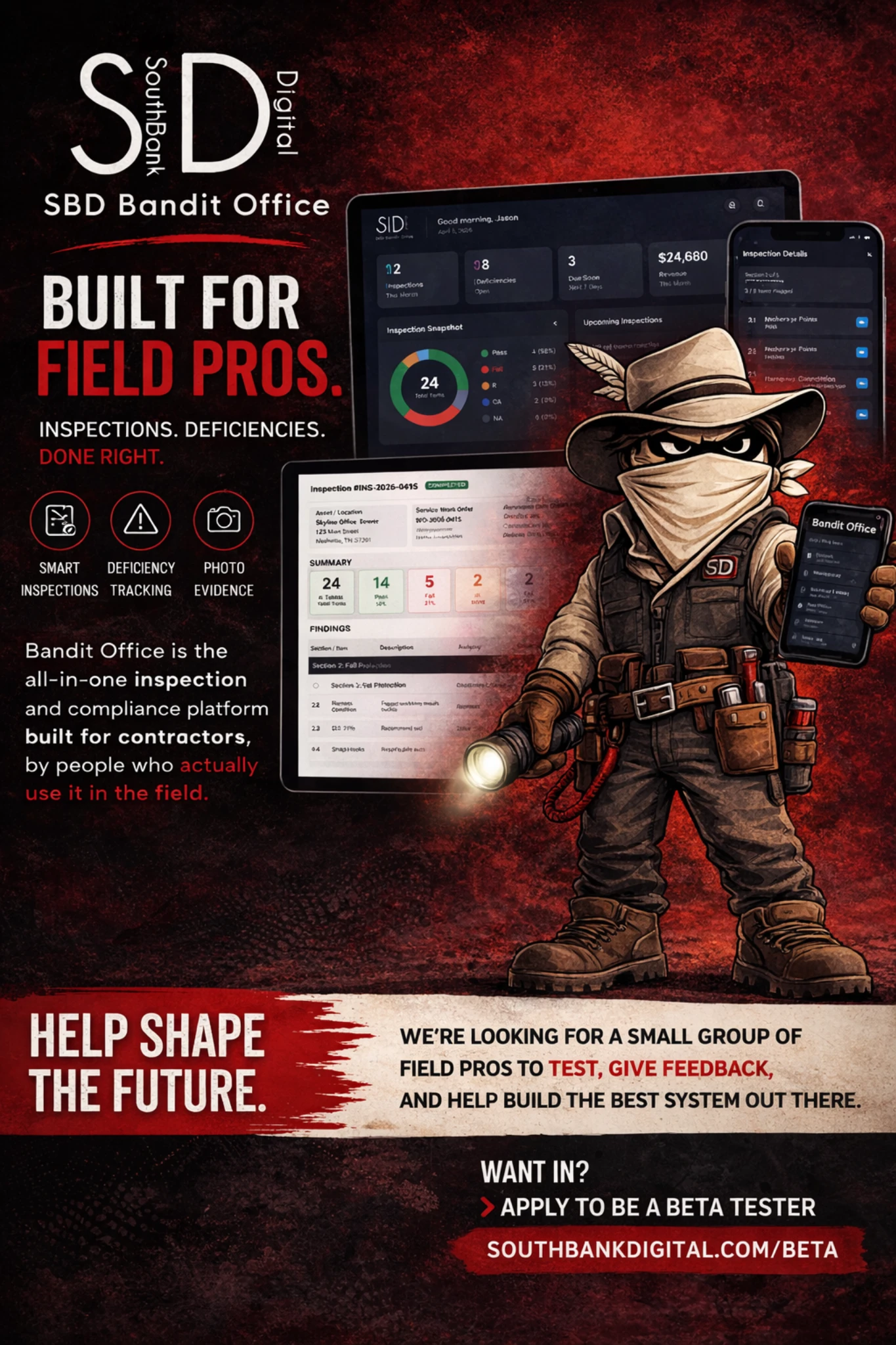
Bandit Office connects customers, locations, assets, estimates, bids, quotes, work orders, inspections, deficiencies, invoices, reporting, and field documentation in one system. It is built for teams that need the office, the field, and the equipment history to stay connected.
Current capabilities
This version is positioned around the full operating workflow, not just one module. The platform handles the front office, the field record, the inspection record, and the follow-up path so work does not have to be rebuilt from scratch every time.
Keep the customer record, service address, decision-maker, and site history grounded in one place before the work starts.
Track the actual asset, its type, image, identifiers, linked inspections, and service history so future work has context.
Build sales documents that can move into approved work instead of forcing your office to re-enter everything later.
Run field-ready work orders with linked customers, locations, assets, job notes, attachments, and document output.
Use company-owned templates, capture pass/fail style results, generate deficiencies, and preserve the history on the asset.
Turn work into clean customer-facing documents while preserving notes, signatures, attachments, and reviewable history.
Inspection-heavy work
Templates stay inside the tenant and can be reused across customers, locations, and assets without cross-tenant collisions.
Assign different monthly, quarterly, semi-annual, and annual templates to each asset type instead of forcing one template onto everything.
Bring forward prior notes, fails, recommendations, and issue context on the next inspection so the tech is not starting blind.
Show last-sync state, refresh inspection changes between devices, and handle stale-save conflicts instead of silently overwriting field work.
Capture field evidence, internal notes, customer notes, severity, and signoff in the same inspection record that drives the report.
Surface failures, recommendations, and corrective actions clearly while preserving the asset-linked history behind them.
Connected workflow
The goal is simple: stop rebuilding the same job in disconnected tools. Bandit Office ties the office side, field side, inspection side, and billing side together so each step starts with the right context.
Start with the right customer, service address, and contact record so the work is anchored correctly from day one.
Connect the job to the actual asset so service history, inspection history, and documentation stay attached where they belong.
Use an estimate, bid, quote, or work order with the customer, location, asset, and scope already tied together.
Capture notes, results, deficiencies, photos, signatures, and follow-up while the work is happening instead of reconstructing it later.
Produce finished reports, invoices, PDFs, and next-step records while keeping the job history and asset history easy to review later.
Who it fits
Bandit Office is best for businesses that are past the point of patching everything together with paper forms, disconnected PDFs, and generic CRM records that do not understand equipment history.
The tenant guide walks through setup, users, assets, estimates, work orders, inspections, deficiencies, and office workflows in detail.

Apply for beta access if you want a field-service and inspection suite that keeps the office, the field, and the asset history connected. Current customers can log in right away. New tenants can review the guide first, then decide whether the flow matches how their team actually works.
Bandit Office by SouthBank Digital — customers, assets, quotes, work orders, inspections, deficiencies, documents, and follow-up in one system.